Motion Key

€59,95

Stop relying on willpower and digital settings you can tap straight past. Motion Key puts a physical action in the way: get up and tap to stop the alarm, walk over and tap to unlock your apps. Block apps and websites, set your own schedules, and get your mornings and your hours back for work, study and life.

Get out of bed on the first alarm
Focus without fighting your phone
Sleep without the midnight scroll
Works with iPhone and Android
Choose your quantity
30-DAY MONEY-BACK GUARANTEE FREE SHIPPING ON EVERY ORDER
Set your wake-up time and your block list in the app once. Place the Key somewhere you have to walk to. From then on you tap it to stop the alarm, or to unlock your apps during a block.See how it works
The companion app gives you full control. Set your wake-up time, or turn on sleep tracking and pick a smart window so the alarm goes off while you are in lighter sleep. Block specific apps and websites, save profiles for work, study or dinner, schedule them ahead, take an authorised short break, switch on strict mode, or use child controls. It all lives in one app, on iPhone and Android.
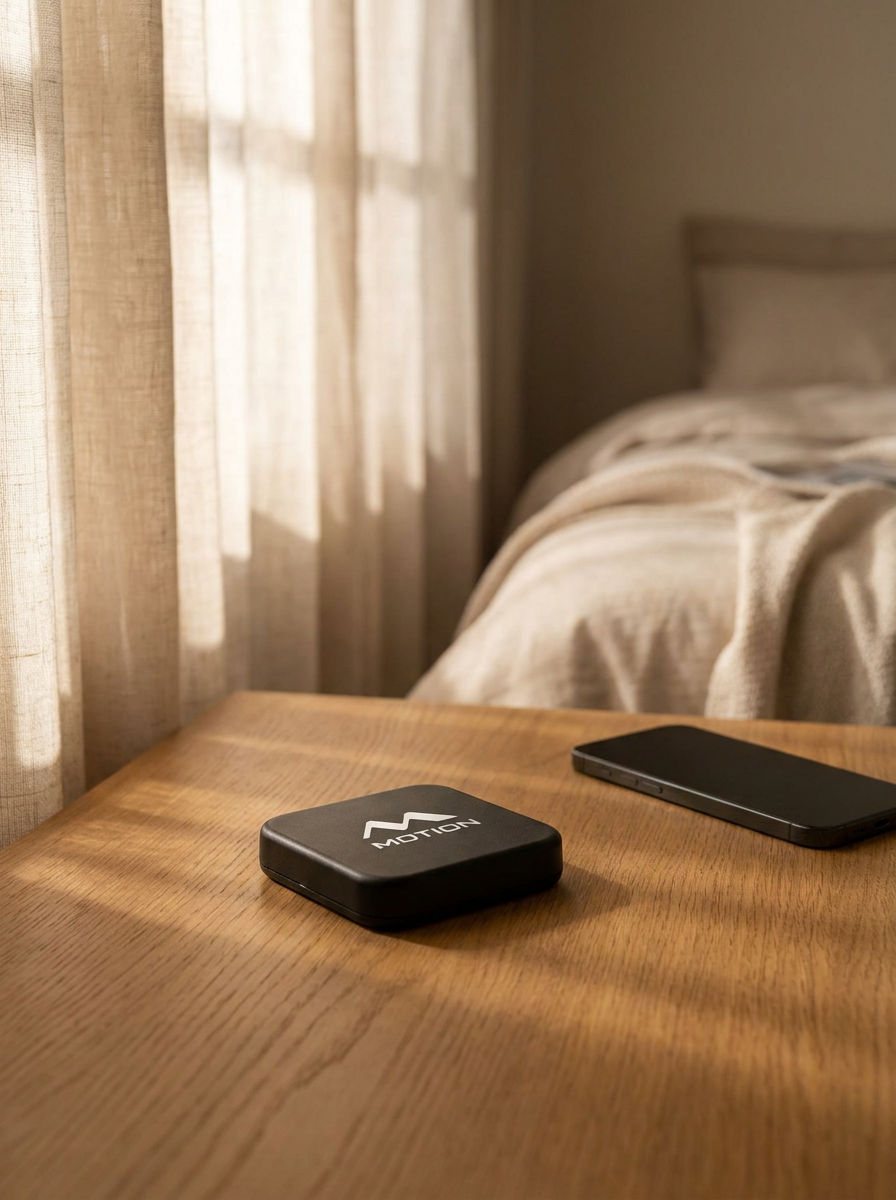
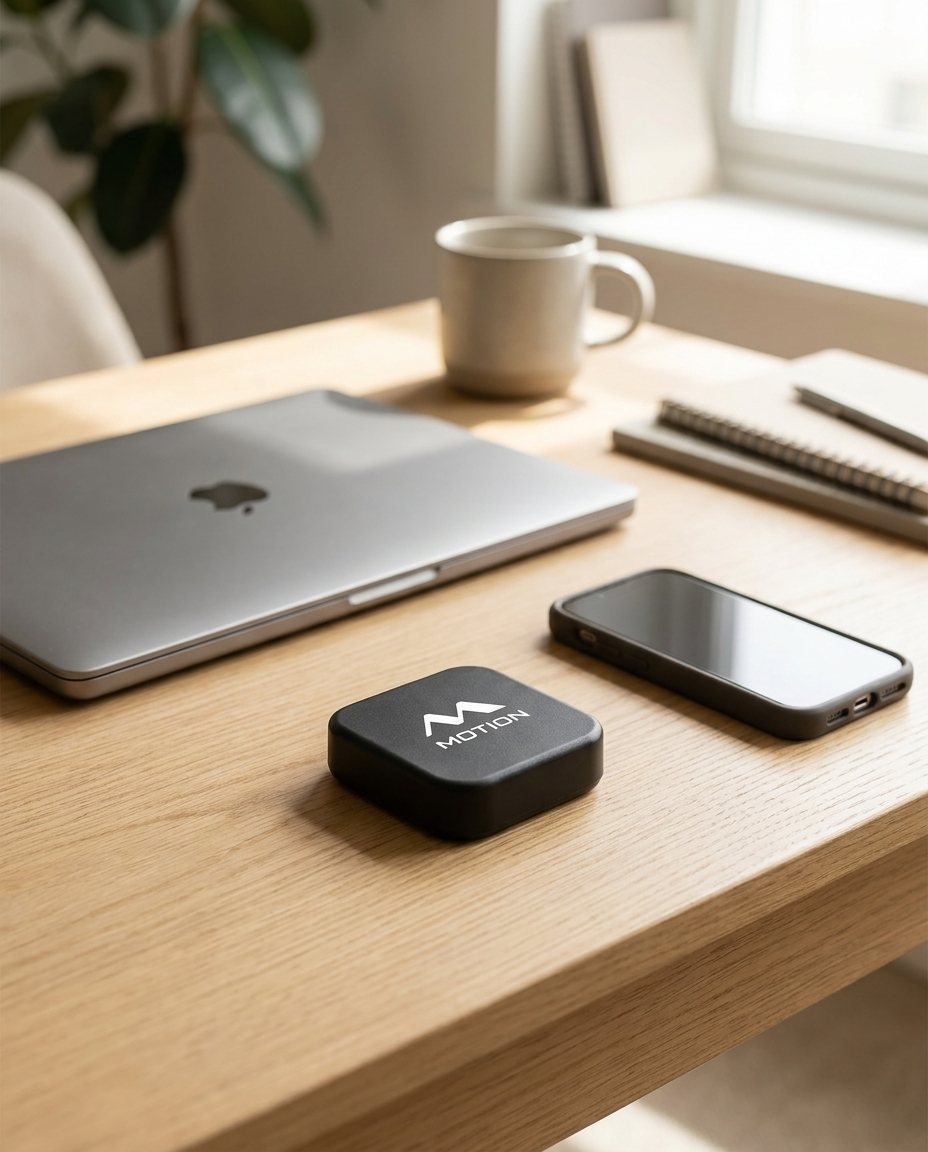
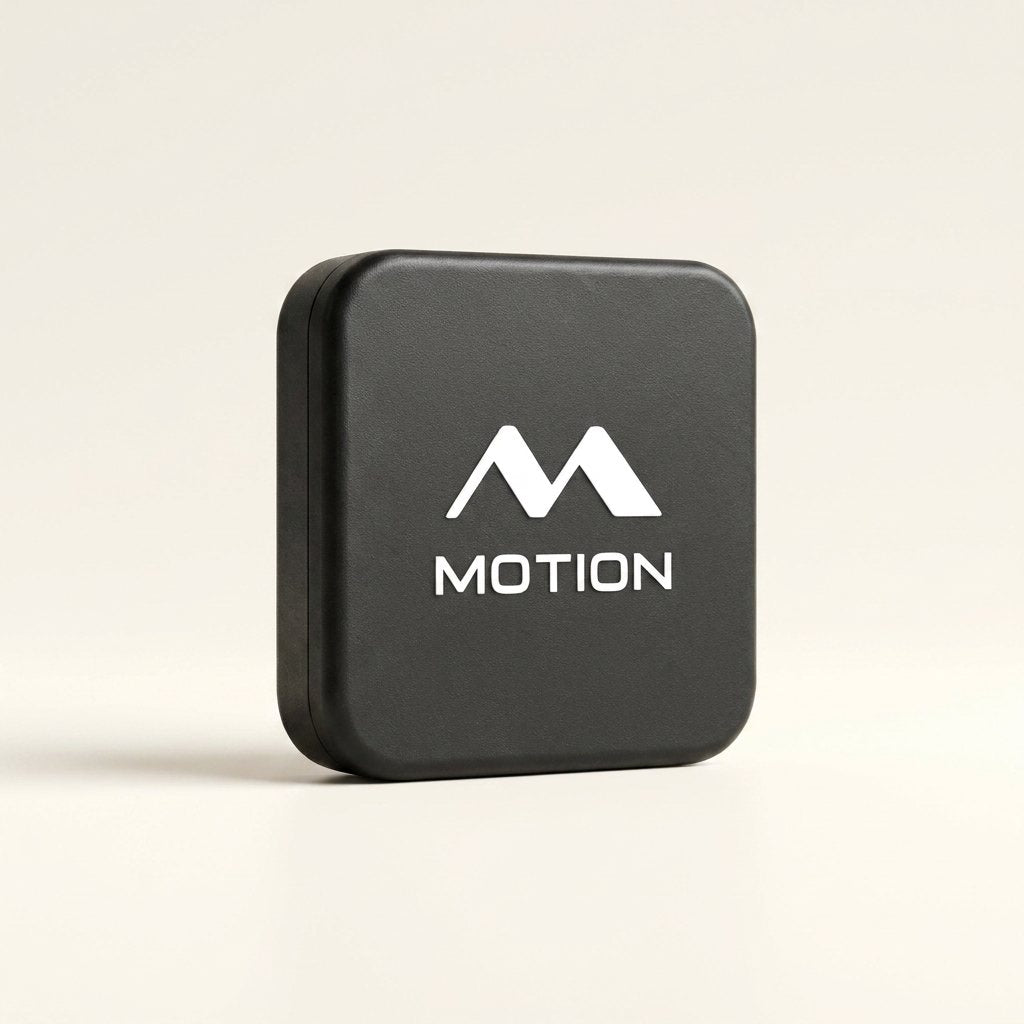
Motion Key measures 50 × 50 × 15 mm and is finished in a soft-touch matte black. An anti-slip base keeps it planted on a nightstand or desk, and the built-in magnet holds it firmly to metal surfaces such as a fridge. There is no battery to charge and no Wi-Fi to configure: the chip inside draws its power from your phone and responds the instant the two touch. Works with iPhone and Android.
We ship fast, worldwide. Free shipping on every order Ships from our EU warehouse Tracking provided on all orders 30-day money-back guarantee See our return policy for more information. You’ll get an email with tracking as soon as your order leaves the building.

How It Works

Setting up Motion Key in the appMotion Key placed out of reachTapping Motion Key

Next-Gen
Tap Tech

Motion Key uses a passive chip that wakes the moment your phone touches it. No battery, no charging, no pairing — just a tap that your phone always answers.

Battery-free
chip inside
Anti-slip base
and magnet
Reads in under
a second
Matte finish,
50×50×15 mm
Motion Key
Ready to Scan — stop the alarm Good morning — alarm stopped Ready to Scan — unlock your apps Unlocked — apps open

Designed for Productive Days.
Made for Better Mornings & Real Focus

The alarm
Up On The First Alarm No Scrolling In Bed Stops Only When You Tap
Motion Key
The block
Blocks Apps And Websites Instantly Or On A Schedule Unlocks Only When You Tap

What you get back

A calm, unhurried morning
The 6 AM win
Up on the first alarm, every day.
Deep work at a calm desk
Deep work
Deep work without interruptions.
Present family time at home
Family time
Fully there for the people around you.
Time outside on a nature trail
Time outside
A walk without checking your phone.
An early morning run
Morning movement
Out the door before work begins.
Focused study session
Study mode
Study without your phone pulling you away.
Creative work without interruptions
Creative time
Create without your phone breaking the flow.
Present at dinner with friends
Social time
Dinner with the people at the table.
Deep, restful sleep
Real sleep
Wind down without the late-night scroll.

What sets us apart

Motion Key
Phone alarm
Screen Time
Forces you out of bed
No unlimited skipping
Physical barrier
Blocks apps and websites
Custom modes
Sleep tracking
Smart wake-up window
Works without willpower
Up early with coffee in a sunlit kitchen

The alarm that gets you up

It keeps ringing until you're on your feet and tapping Motion Key. There's no snooze and no way to dismiss it from bed.

Alarms
07:30Weekdays · Morning Workout
09:15Weekends · Run
Dismiss with your Key

Questions, answered

We get it — mistakes happen. Your setup lives in the app, so nothing is lost with the device, and you get five emergency unlocks that instantly unblock all your apps. You start with five, and if you use one or more, you get one back every month until you’re at five again.
You decide what’s blocked — pick the apps and websites that hijack you, or use allow-only to lock everything but a chosen few. Calls, texts and system alarms always come through. And if you genuinely need a blocked app while you’re away from your Key, you can use one of your emergency unlocks — you get five, with one added back every month (up to five).
We found that creating physical distance from your phone is the best way to avoid distractions. Software solutions, like a snooze button or Apple Screen Time, help but always have a "skip" option, making it easy to override your own limits. With a physical device, if it isn’t close by, you don’t have the key to your distractions — so it’s much easier to stay focused.
Yes — Motion Key works with both through the free companion app (iOS 15+ and Android 9+). Nothing to pair or charge; just hold your phone to the Key.
You have 30 days. If your mornings and your screen time aren’t better, email us and we’ll refund you in full.

Do more of what matters

One device, one payment. If it isn’t right for you, email us within 30 days and we’ll refund you in full.